
What you actually made
Revenue is not the number that matters.
ProPlenty of studios know what they invoiced last year. Far fewer know what they kept, which jobs lost money, or which client is quietly expensive. Because Slate already holds the crew pay, the expenses and the mileage against each job, those answers are a page rather than a weekend with a spreadsheet.
Who it is for: Anyone who has ever finished a busy month and not been sure whether it was a good one.
The numbers are already in there
Crew pay was entered when you assigned people. Expenses as you logged them. Mileage from the shoots you drove to. Nothing here asks you to go and assemble data — it is the same data the invoices and schedules were built from.
Profit and loss, per period
Revenue in, costs out, what is left. By month, by year, with the trend.
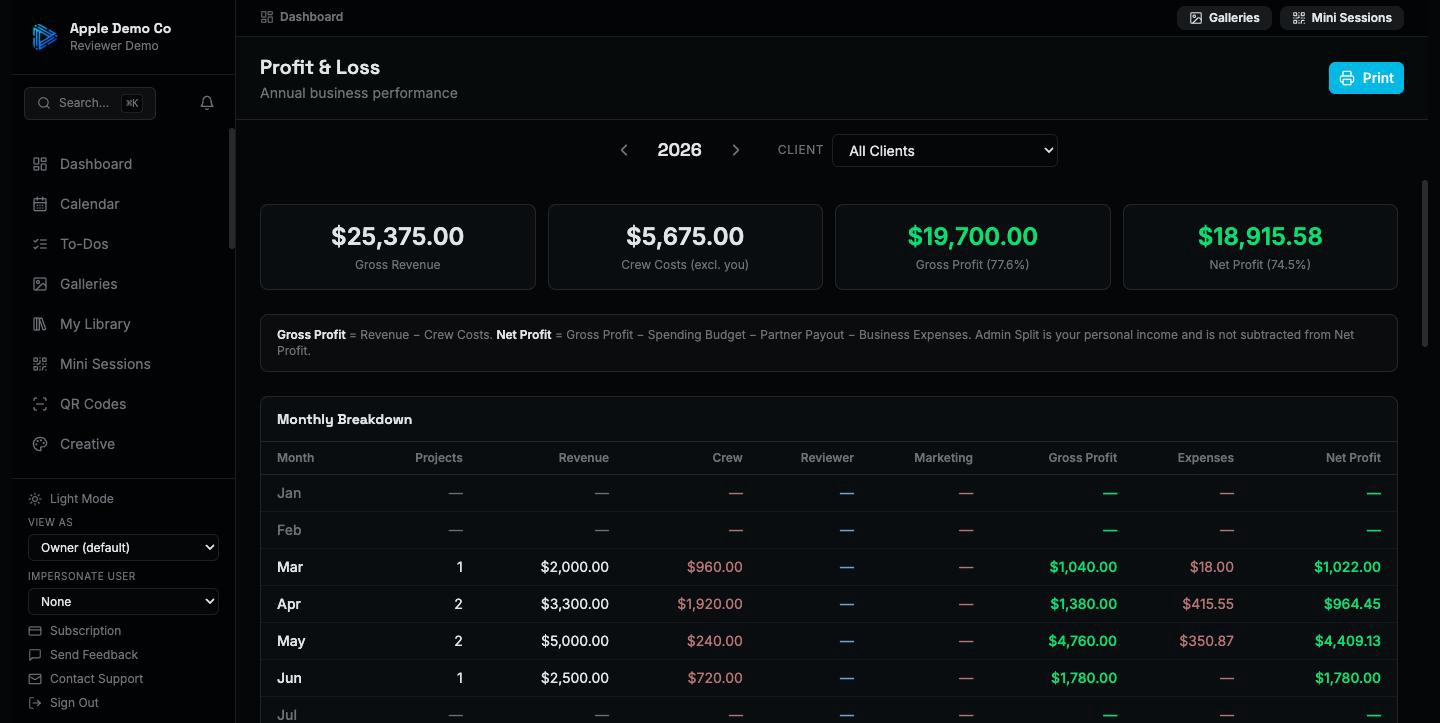
Down to the individual job and client
Margin per shoot and per client, so the pattern shows up. The job that felt busy and the job that made money are not always the same one.
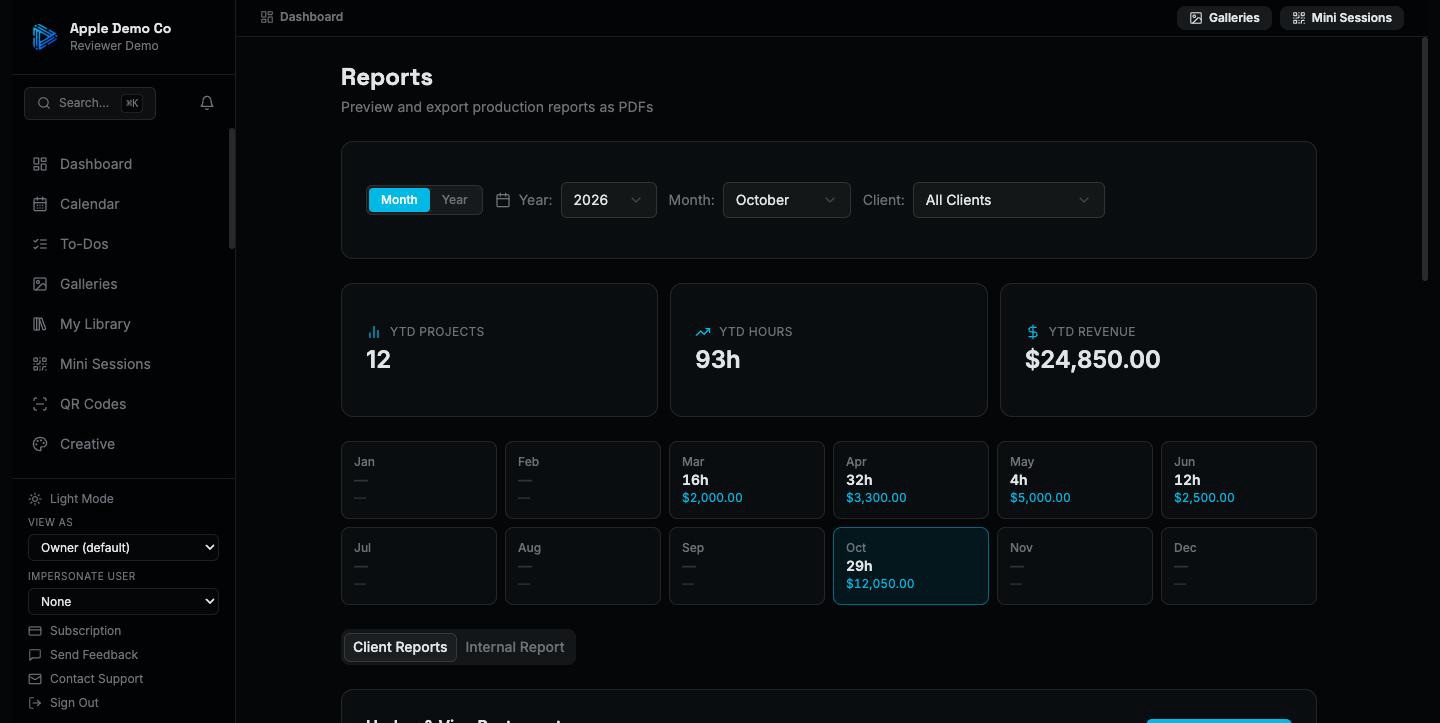
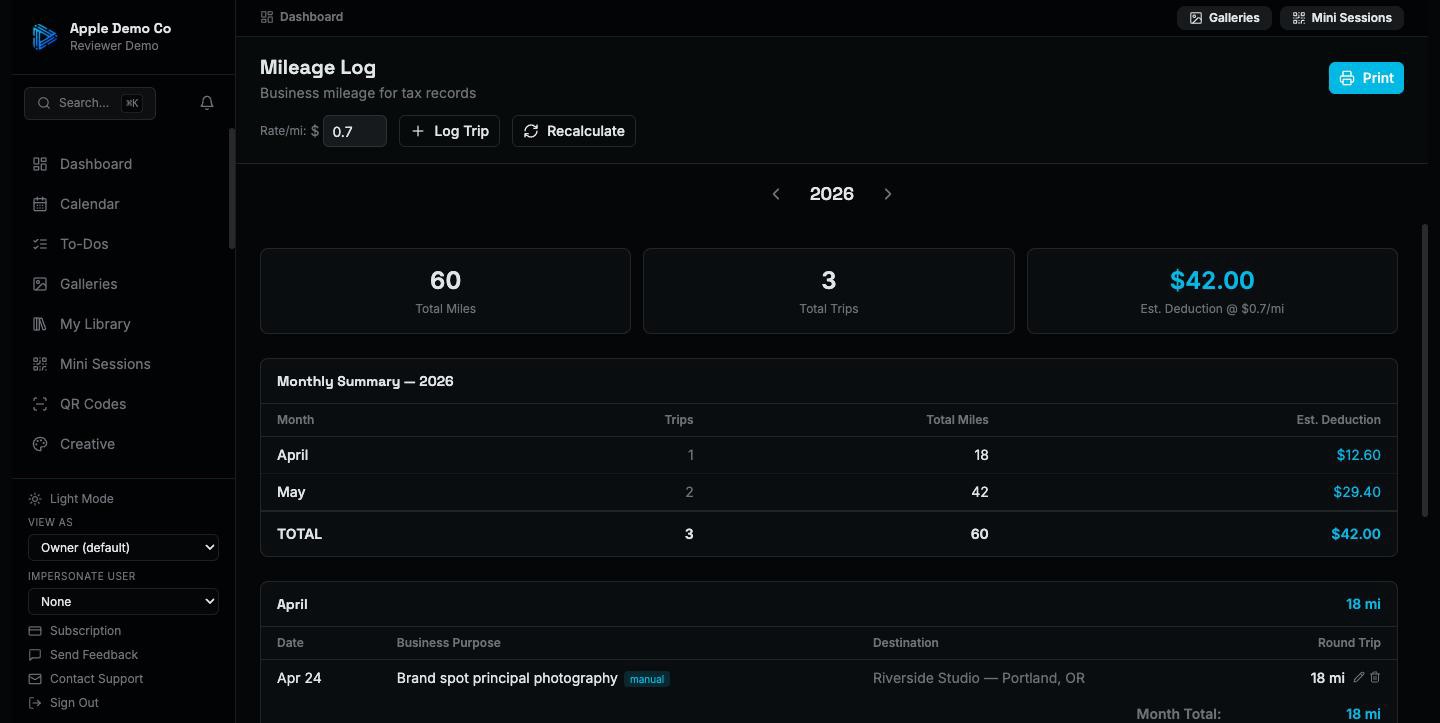
Mileage and tax, handled as you go
Trips to shoots are calculated from the addresses you already entered, at the IRS rate. Expenses carry their categories. The 1099 summary is assembled from contractor payments with W-9 details stored alongside. Your accountant gets a file instead of a shoebox.
Free templates for this
Not ready for the app? These do a piece of it by hand, free and with no signup.
Also included
- A marketing budget tracked against what it brought in
- Client-facing reports showing a client their own work, with nothing of yours
- Real estate reporting for agent and brokerage work
- Pipeline analytics covering what converts and what does not
You cannot price properly without knowing your margins. This is the part of Slate that tells you.
14-day trial on paid plans. No credit card.